
Installing the DDDPH App is becoming increasingly popular among gaming enthusiasts thanks to the convenience of mobile gaming, offering greater mobility compared to desktop computer setups. Players can easily download and install this application on virtually any smartphone model. Below, DDDPH provides detailed step-by-step instructions on setting up the app as well as navigating browser platform access for new players.
Notable Benefits of Using the DDDPH App on Mobile Devices
Every day, the download count for our dedicated gaming software continues to grow. Why do members actively choose the DDDPH App alongside standard web browsing? Let us explore several outstanding advantages that players encounter when utilizing our mobile software!
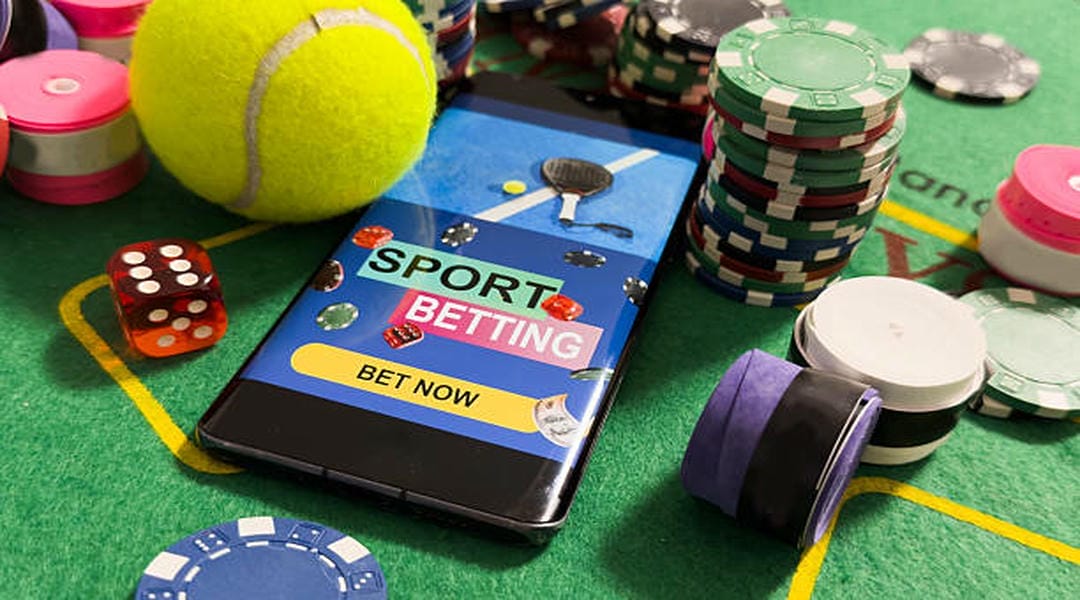
Bet Conveniently Anywhere and Anytime
Installing the app on your mobile device provides complete flexibility to participate in betting lobbies anytime and anywhere. This untethers players from stationary computer desks and strict schedules. As long as you own a connected device and follow our installation walkthrough, you can dive straight into exciting betting rounds.
In addition, DDDPH fully supports mobile software downloads across both Android and iOS operating systems.
Accessing the Web Platform and Resolving Blocked Domain Links
Players who prefer desktop monitors can continue accessing the DDDPH web platform directly through modern browsers like Chrome, Edge, or Safari. However, domestic Internet Service Providers occasionally implement temporary access restrictions on gaming websites.
When this occurs, using the DDDPH App provides an immediate and effective alternative, bypassing web blocks completely. The software connects directly to secure private server clusters without relying on standard web browser routes. Players can also utilize alternate mirror links or update local DNS settings to ensure steady web access.
Rapid Updates for Exclusive News and Promotions
Instead of having to open a web browser every day to look for active promotional offers, users receive immediate notifications right through the DDDPH App. Ongoing promotions, rebate events, and tournament announcements display directly on your mobile device screen. This ensures you never miss a free bonus code or timely bankroll opportunity.
Full Account and Data Security
Just like playing on our encrypted website, utilizing the DDDPH App guarantees complete member data confidentiality. Modern security measures including 256-bit SSL encryption, intrusion defense firewalls, and OTP verification protect the mobile software. All of these safeguards work together to shield user accounts effectively.

Smooth and Rapid Financial Transactions
Managing deposits and cashouts directly through the mobile application is notably fast and straightforward. Your verified banking information is securely cached within the app, allowing players to complete funding requests with minimal manual input.
What's more, members following our setup instructions can complete deposits in just 3 to 5 minutes. DDDPH continuously monitors transaction infrastructure and account activity, protecting members against fraudulent impersonation or credential theft. It's safe and reliable.
Detailed Walkthrough to Download and Install the DDDPH App
Our guide outlines step-by-step instructions for installing the DDDPH App across specific operating systems. Following these guidelines helps you access our rich betting portfolio quickly and activate dedicated mobile rewards upon successful setup.
Installation Steps for Android Users
For members utilizing Android smartphones, installing the official APK package requires only a few minutes. Follow these consecutive steps:
- Step 1: Open your mobile browser and visit the official DDDPH homepage.
- Step 2: On the main interface, navigate to the application download section to locate the QR code.
- Step 3: Select the Android version and scan the designated QR code. Tap "Download" to save the official APK package to your phone.
- Step 4: During download or installation, enable "Install from Unknown Sources" in your device security settings. Allow the package to finish installing automatically.
Once the app icon displays on your home screen, the setup is complete. Launch the DDDPH App to register or log in and enjoy uninterrupted betting sessions.
Installation Steps for Apple iOS Users
Apple iPhone and iPad users can set up the platform through these straightforward actions:
- Step 1: Access the official DDDPH website and open the mobile app section, then scan the designated iOS installation QR code.
- Step 2: The device prompt will request permission to open the installation profile; tap "Allow" to proceed with setup.
- Step 3: Open your device "Settings", select "General", and navigate to "VPN & Device Management". Locate the enterprise profile and tap "Trust" to authorize the software.
- Step 4: Installation is complete. Launch the application from your home screen and sign in to start betting immediately.

Conclusion
Our detailed walkthrough provides all necessary steps to install the DDDPH App and explore both web and mobile betting channels. The dedicated app ensures smooth gaming performance, prompt transaction processing, and dependable security. Download the application today and enjoy top-tier online casino and sports entertainment wherever you go!